In This Guide
- What Exactly Counts as a "Library Resource" These Days?
- How Do You Actually Get to These Library Resources?
- Turning Resources into Results: A Practical Strategy
- Library Resources for Specific Life Scenarios
- Answers to Questions You're Probably Asking
- The Bottom Line: Your Library Card is a Superpower
Let's be honest. When someone says "library resources," what pops into your head? Rows of dusty books, the smell of old paper, maybe the stern librarian from your childhood shushing you. That image is so outdated it's almost funny. If that's your only frame of reference, you're missing out on a massive, often free, digital and physical toolkit that's sitting there waiting for you.
I used to think the same way. My local library was just a place to grab a novel for the weekend. Then, a few years back, I was trying to research a niche historical topic for a personal project. Googling gave me either superficial blogs or academic papers behind insane paywalls. On a whim, I logged into my library's website with my card number. What I found blew my mind. Suddenly I had access to professional-grade historical archives, digitized newspapers from the 1800s, and expert journals—all for free. It felt like discovering a secret door in your own house.
That's what this guide is for. To show you that secret door. We're going to move way beyond the basic concept of borrowing a bestseller. We'll dig into the sheer variety of library resources available today, how you can get your hands (or your cursor) on them from anywhere, and most importantly, how to use them to actually solve real problems—whether you're a student, a professional, a curious hobbyist, or just someone trying to save some money.
A quick heads-up: I'm not a librarian. I'm just a heavy user who's made a lot of mistakes and learned some tricks. Some libraries are better funded than others, so your mileage may vary. But the core principles of accessing and using these tools are pretty universal.
What Exactly Counts as a "Library Resource" These Days?
This is where it gets interesting. The modern library's inventory is incredibly diverse. It helps to break it down so you know what to ask for, either in person or when you're digging through their online portal.
The Physical Stuff (It's Not Just Books, I Promise)
Okay, yes, there are still books. But even the physical section has evolved.
- Specialized Collections: Many libraries have deep collections in specific areas. One near me has an amazing local history room with maps, photos, and manuscripts you can't find online. Another has a massive collection of sheet music and vinyl records. These are unique library resources.
- Tools and Technology: This one surprises people. Libraries now loan out things like metal detectors, sewing machines, gardening tools, museum passes, and even portable Wi-Fi hotspots. Need a cake pan for a special shape? Check the library. It's like a community tool shed.
- Spaces: The library itself is a resource. Quiet study rooms, meeting rooms you can book for free (for community groups, not commercial use), makerspaces with 3D printers, recording studios—these are all part of the package.
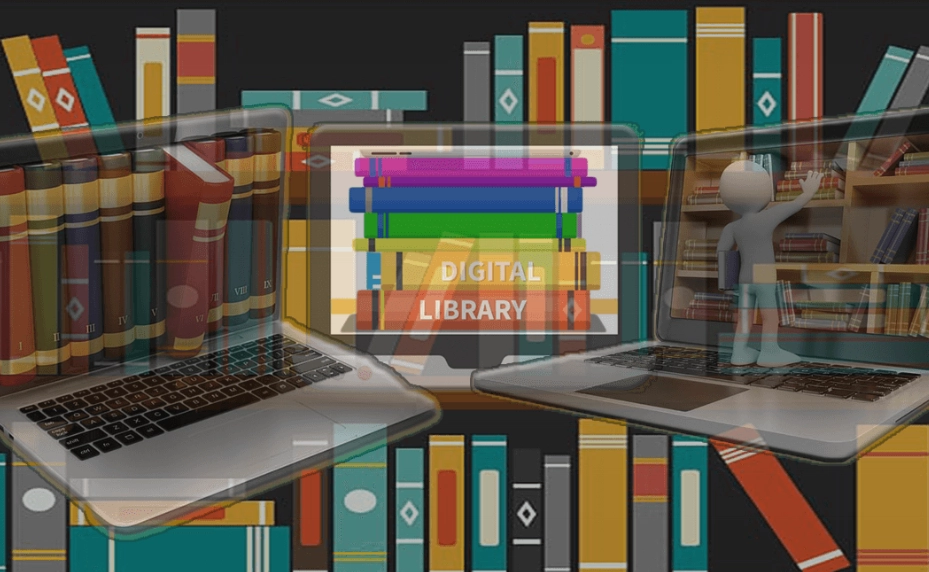
The Digital Goldmine (This is Where the Magic Happens)
This is the area most people completely overlook, and it's arguably the most powerful. Your library card is often a key to a suite of paid services.
Pro Tip: Don't just look at your tiny local branch's website. Often, your card gives you access to the digital collections of the entire county or state library system. The selection expands dramatically.
Here’s a breakdown of common digital library resources you might find:
| Resource Type | What It Is | Examples of Platforms/Vendors | Why It's Useful |
|---|---|---|---|
| Research Databases | Gateways to scholarly journals, magazines, newspapers, trade publications. Often include full-text articles. | EBSCOhost, ProQuest, Gale, JSTOR (sometimes) | Credible sources for school papers, professional research, or deep-dive learning. Beats shaky websites. |
| eBook & Audiobook Platforms | Apps where you can borrow digital books and audio, just like physical ones. | Libby/OverDrive, Hoopla, cloudLibrary | Instant access from any device. No late fees (items are automatically returned). Huge savings. |
| Streaming Media | Free streaming of movies, documentaries, TV shows, and music. | Kanopy, Hoopla (video), Freegal (music) | High-quality, curated content often from indie filmmakers or classic catalogs. Ad-free. |
| Online Learning | Structured courses to learn software, languages, business skills, and more. | LinkedIn Learning (formerly Lynda.com), Mango Languages, Universal Class | Professional development or hobby learning without the high cost of platforms like Coursera or Udemy. |
| Digital Newspapers & Magazines | Full digital replicas of current and archived periodicals. | PressReader, NewsBank | Read today's paper from across the country or the world. Access expensive magazines for free. |
See what I mean? That library card in your wallet (or the digital one on your phone) is potentially worth hundreds, even thousands, of dollars in subscription fees. I once calculated that the LinkedIn Learning access alone through my library would cost me nearly $300 a year. It's insane not to use it.
How Do You Actually Get to These Library Resources?
Knowing they exist is one thing. Accessing them is another. The process is simpler than you think, and most of it can be done in your pajamas.
Step 1: Get a Card (The Golden Ticket)
This is non-negotiable. If you don't have a card, get one. Usually, you need to show proof of residence in the library's service area (a driver's license, utility bill). Many libraries now allow you to start the process online, but you might need to go in once to finalize it.
Don't live in a big city?
No problem. Often, county library systems serve smaller towns. Some states even have reciprocal agreements or offer e-cards to all state residents for digital resources only. It's always worth checking the website of your nearest major city or state library. The Library of Congress website is also an unparalleled free resource for anyone, card or not, especially for American history and primary sources.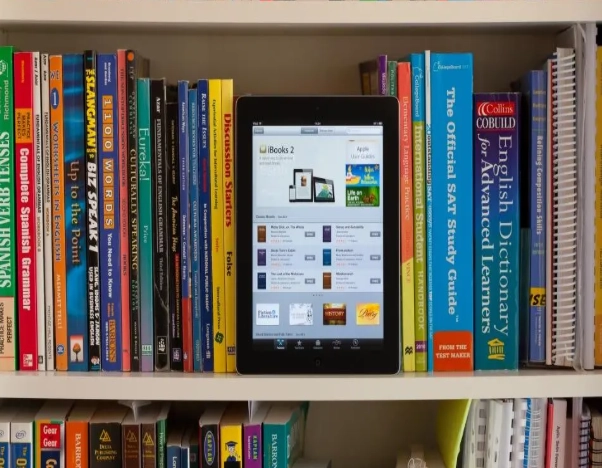
Step 2: The Online Portal is Your Command Center
Once you have your card number and PIN (often the last 4 digits of your phone number by default), go to your library's website. Look for tabs that say "Digital Library," "Online Resources," "Research," or "eResources." This page is your launchpad.
A Common Frustration: Library websites can be… clunky. The design isn't always intuitive, and finding the right database can feel like a treasure hunt. Don't get discouraged. Use the search bar on the resources page, or look for categories like "Business," "History," "Auto Repair," etc.
Step 3: The Authentication Dance
This is the only slightly tricky part. When you click on a resource like "Gale Academic OneFile" or "LinkedIn Learning," you'll usually be redirected to the vendor's site. It will ask you to select your library from a list and then enter your library card number and PIN.
Once you do this, you're in. You often stay "logged in" to that specific resource for a session or a few days. You'll have to repeat this for each different platform, but your browser might remember your card number.
For apps like Libby, you add your library card once during setup, and it's seamless from then on.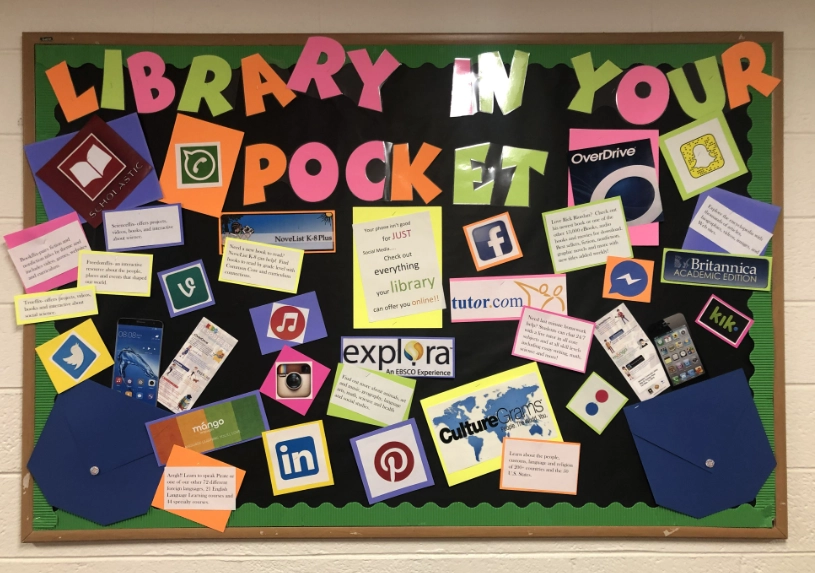
Turning Resources into Results: A Practical Strategy
Having access is pointless if you don't know how to use it effectively. Throwing random words into a academic database will give you garbage results. Here's a method that works for me, whether I'm researching the history of concrete or looking for market analysis reports.
- Start Broad, Then Narrow Like Crazy: Begin with a general search in a multidisciplinary database like EBSCO's "Academic Search Complete." Scan the results. Look at the "subject terms" or "descriptors" on a relevant article. These are the official keywords the database uses. They are your gold. Use those terms in your next, more precise search.
- Use the Filters: Every database has them. Limit your search to "Full Text," "Peer-Reviewed" (for academic work), and a relevant date range. This instantly cuts out 90% of the noise.
- Don't Ignore the Help Section: I know, nobody reads manuals. But each database (Gale, ProQuest, etc.) has a unique search syntax. Learning a few tricks like using asterisks for wildcards (histor* finds history, historical, historian) or quotation marks for exact phrases can revolutionize your results.
Let me give you a real, slightly silly example. I was once helping a friend brainstorm names for a new craft beer. We used the library's access to historical newspaper archives (Newspapers.com is often available through libraries) to search for quirky local stories and old business names from our town's past. We found a great name from a 1920s ad. You wouldn't think of a library resource for that, but it was perfect.
Library Resources for Specific Life Scenarios
To make this really concrete, let's match these tools to common needs.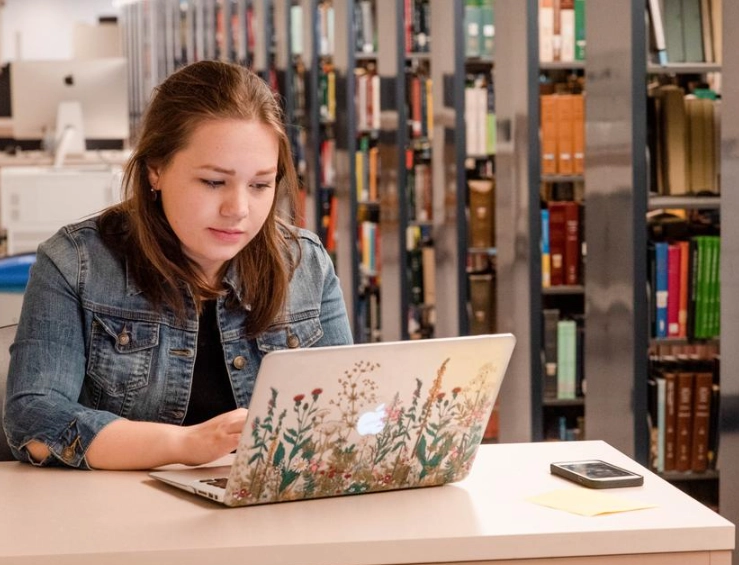
For the Student (High School or College)
This is the classic use, but are you using the best library resources? Your school library is first stop, but public library databases often have different or more consumer-friendly journals. Use them to find perspectives your professors haven't already assigned. The online learning platforms (like LinkedIn Learning) are also perfect for mastering software like SPSS, Photoshop, or Excel for that tough project.
For the Job Seeker or Career Changer
This is a powerhouse combo. Use the business databases to research companies before an interview—find their annual reports, read trade news about their industry. Then, hit LinkedIn Learning to skill up. Want to transition into project management? There's a path for that. Need to learn the basics of data analytics? It's there. All for free. It makes your resume and your interview answers stronger.
For the Hobbyist or Lifelong Learner
This is where it gets fun. Into genealogy? Libraries provide free access to Ancestry.com (library edition) and other archival records. Learning guitar? Hoopla has thousands of music instruction videos. Want to watch classic, indie, or foreign films? Kanopy's selection is incredible and thought-provoking. The range of library resources for pure enrichment is vast and underutilized.
For the Parent
Beyond the obvious (books, story time), look for resources like Tutor.com (free online homework help often available through libraries), language learning apps for kids, and of course, the endless stream of children's movies and TV shows on streaming platforms. It's a budget-saver and an educational boost.
Answers to Questions You're Probably Asking
Q: Is everything really free?
Yes, for you, the patron. Your taxes (or sometimes donations) fund the library's subscriptions. There are no per-use fees for databases, streaming, or e-books. The only potential cost is late fees for physical items, and many libraries are eliminating those too. Overdue fines for digital items don't exist—they just vanish from your device on the due date.
Q: How do I know if my library has a specific database or service?
You have to look. Go to their website. Search the resources list. If you can't find it, call or email the reference desk. This is their job. Ask: "Do you have access to the O'Reilly for Public Libraries platform for tech books?" or "Do you subscribe to the Wall Street Journal online?" They will tell you. I've found librarians to be incredibly helpful and eager to guide people to the right resource.
Q: The eBook I want always has a long waitlist. What gives?
Ah, the biggest pain point with digital lending. Libraries don't own e-books like they own physical books. They license them, often under restrictive terms from publishers. A license might allow only one person to "borrow" the digital copy at a time, or expire after 52 lends. This is why popular titles have waits. My strategy? Place holds on several books you want. They'll trickle in over time. Also, explore the "Available Now" filters on Libby and check out Hoopla, which has no waitlists (but a monthly borrow limit).
Q: Can I use these resources if I'm not in the library building?
Absolutely! That's the whole point of the digital shift. As long as you have an internet connection and your library card credentials, you can access the digital library resources from your home, a coffee shop, or even while traveling. Physical resources, obviously, require a visit or a hold/pickup system.
I'll admit, not every experience is perfect. Some of the database interfaces feel like they were designed in 2005 and never updated. The search can be finicky. And the wait for a hot new eBook can be months. But when you weigh those minor frustrations against the sheer volume of free, high-quality information and entertainment, it's a no-brainer.
The Bottom Line: Your Library Card is a Superpower
We started with that old image of the silent, book-only library. I hope by now you see it for what it really is: a dynamic, funding-strapped but incredibly resilient hub of community and information access. The modern suite of library resources is designed to level the playing field—to give everyone, regardless of income, access to the tools for learning, creating, and connecting.
So, what's the first step? If you have a card, go find your library's website right now and click on the "Digital Resources" link. Spend 20 minutes just browsing. If you don't have a card, look up your local library's requirements and make getting one a priority this week.
It's one of the last truly great public bargains. And in a world of paywalls and subscription fatigue, that's something worth holding onto and using for all it's worth.
Leave a Comment